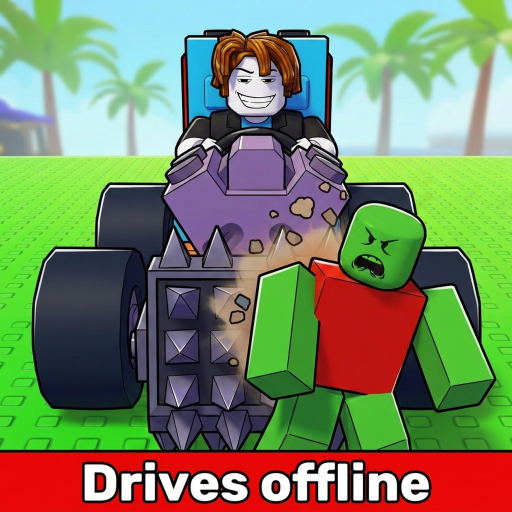
Build and Kill Zombies: Car Upgrades
Separate replacement parts from Skills, diagnose the car’s limiting dependency and compare one revision against your working layout.
Build and Kill Zombies car upgrades happen through replacement parts and Cash-funded Skills, followed by installation in Build. Start with the problem your existing car has: no launch, an empty-fuel stop or equipment that cannot be mounted. A purchase is useful only when its effect addresses that problem and the car can actually use it.
Separate acquisition from installation
Roll replacement parts at the base and inspect what you can buy. Select Category helps target the family you need; Index lets you review unlocked parts and displayed stats. After acquiring a component, open Build and mount it. A stronger item left in your inventory cannot improve the installed car.
Repair the limiting dependency first
| Observed limit | First action | Useful confirmation |
|---|---|---|
| Car does not launch | Verify a mounted engine | The same assembly can enter a run |
| Run ends on empty fuel | Inspect fuel components | Compare driving range under similar choices |
| Weapon has no usable slot | Inspect support capacity and More Support | The intended equipment can be mounted |
These are conditional priorities, not a universal rarity ranking. If your engine is already installed and the car launches reliably, an empty-fuel stop is not evidence that you need to replace it. Likewise, spare support capacity will not keep an empty fuel supply running.
Keep permanent spending distinct from layout edits
Skills use Cash and include Luck, More Support and Gold Roll nodes. Luck improves roll outcomes; More Support adds weapon mounting slots. Read the node's displayed description and cost before buying it. Choose More Support when a useful weapon cannot be installed for lack of space, not merely because more slots sound impressive.
For part replacement, compare the new item with the one already mounted. For a Skill, compare the new capability it opens with the capability you lack. Those are different purchases and should have different success checks. Avoid buying a roll improvement and then attributing a better driving run to it without also examining which part actually changed.
Test a revision you can undo
Record the existing engine, fuel arrangement and equipment placement before editing. Make one change, then drive with a similar approach to zombie groups. Compare the end condition and the run's distance, kills and Cash. Repeat a close result before committing to a larger rebuild.
- If the new part does not mount, restore the working configuration.
- If the drive still ends on empty fuel, compare the fuel change rather than redesigning supports.
- If kills improve but distance falls, decide which result serves your next goal.
- If every system changed, rebuild a clean comparison before calling the purchase successful.
Keep the old arrangement available until the replacement solves the intended problem. A visually larger build can be harder to evaluate if it combines several unfamiliar components. Use upgrade priorities to choose between systems and driving troubleshooting when the symptom is unclear. The point of an upgrade is a usable improvement you can recognize in the next run.